Skip to content
For Every Industry

AI Use Cases
Across Industries

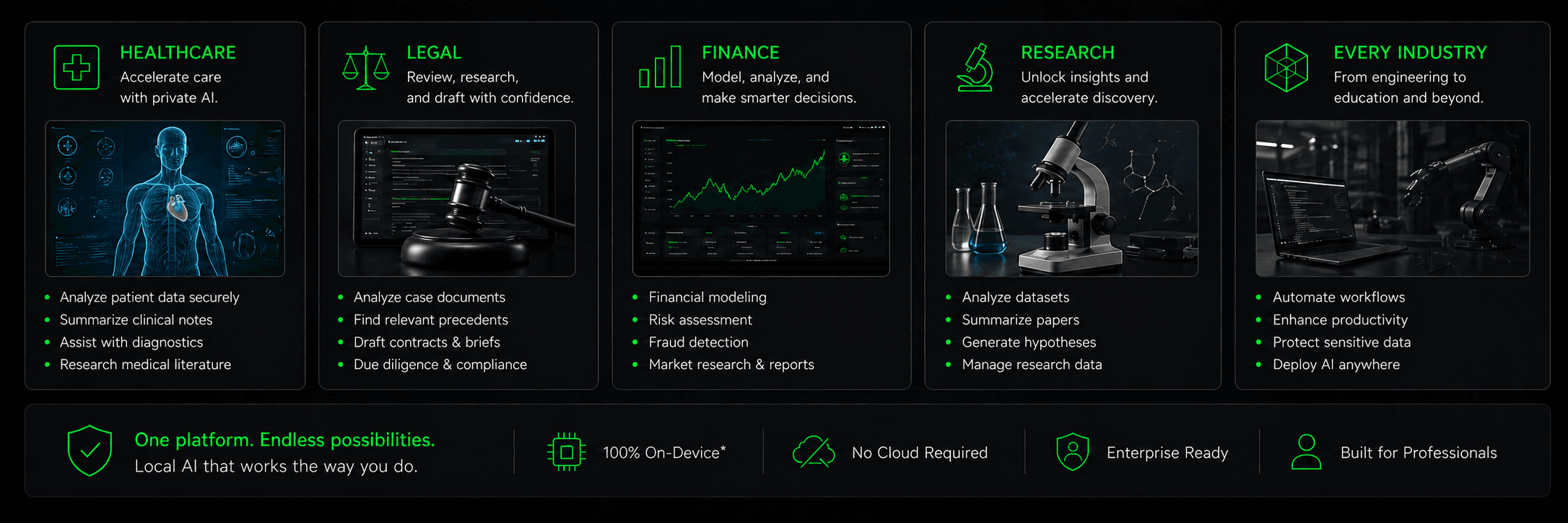
Explore private AI workflow ideas for healthcare, legal, finance, research, and beyond. Choose supported devices, clients, and models for your work.

THOX.ai across professional use cases
*ThoxKey uses its connected host.

Benefits

Control Your Data

Select a qualified local runtime to process supported tasks on hardware you control. Connections and data access remain explicit choices.

Regulated-Workflow Controls

Local processing can support organization-defined boundaries. Compliance requires the organization’s own safeguards and validation.

Prepare for Offline Work

Supported local work requires a compatible runtime, model, and assets already available. Performance depends on the setup.

Connected Work

Use MeshStack for authenticated resources and permitted capabilities. ThoxWork’s shared workspace is coming soon.

Industry Solutions

Discover how THOX.ai serves professionals across diverse industries with privacy-first AI.

Healthcare & Medical

Private AI with Vision

Explore literature research, clinical-note drafts, and record summaries with a compatible model and approved inputs. Clinical use requires professional review and organization-specific validation; these examples do not establish diagnostic capability.

For
Hospitals & Clinics
Data handling
Choose permitted resources
Privacy
Qualified local path

Key Use Cases

Preparing questions from approved clinical materials
Patient record analysis and summarization
Medical literature research (multilingual)
Clinical documentation assistance
Preparing medication questions for professional review
Clinical report drafting for professional review

Legal & Compliance

Long-Context Document Review

Review contracts, organize legal research, and draft documents with a compatible model. Context length, languages, and visual input support depend on the selected model and release. Legal professionals review outputs and set confidentiality controls.

For
Law Firms & Legal Depts
Data handling
Choose permitted resources
Privacy
Qualified local path

Key Use Cases

Contract review with supported inputs
Multilingual legal research with supported models
Legal research and case law synthesis
Document drafting and revision assistance
Regulatory compliance checking
Discovery document analysis at scale

Enterprise & Business

Private Corporate AI

Explore internal knowledge search, communication drafts, reporting, and planning using resources your organization authorizes. Choose a qualified local path when work must stay on hardware you control.

For
Fortune 500 & SMBs
Data handling
Choose permitted resources
Privacy
Qualified local path

Key Use Cases

Internal knowledge base and Q&A
Customer service automation
Business intelligence and reporting
Email and communication drafting
Process documentation
Strategic analysis and planning

Research & Science

Secure Research AI

Organize research papers, explore datasets, and prepare proposals with supported tools and models. Researchers verify sources, methods, and outputs and choose the permitted processing path.

For
Universities & Labs
Data handling
Choose permitted resources
Privacy
Qualified local path

Key Use Cases

Literature review and synthesis
Data analysis and visualization
Grant proposal writing assistance
Experiment documentation
Hypothesis generation
Peer review preparation

Finance & Banking

Vision-Enabled Financial Analysis

Explore reporting, filing review, and financial research using supported models and tools. Chart interpretation, OCR, and quantitative analysis depend on the selected setup; professionals validate outputs before use.

For
Banks & Investment Firms
Data handling
Choose permitted resources
Privacy
Qualified local path

Key Use Cases

Chart review with a supported vision model
Filing review with supported text extraction
Risk assessment and modeling
Compliance document review assistance
Market research synthesis
Multi-currency data extraction

Education & Training

Private Educational AI

Prepare curriculum, tutoring materials, and feedback drafts with supported models. Educators review outputs and apply their institution’s student-data policies.

For
Schools & Universities
Data handling
Choose permitted resources
Privacy
Qualified local path

Key Use Cases

Curriculum development
Assignment feedback assistance
Personalized tutoring content
Course material generation
Student feedback drafting
Research paper guidance

Creative & Media

Private Creative AI

Brainstorm ideas, draft scripts, and edit copy using supported models. Choose approved inputs and a processing path that fits the confidentiality of the project.

For
Agencies & Studios
Data handling
Choose permitted resources
Privacy
Qualified local path

Key Use Cases

Content writing and editing
Creative brainstorming
Script and screenplay assistance
Marketing copy generation
Social media content
Brand voice development

Software Development

Secure Development AI

Explore code drafts, debugging, documentation, and review with compatible tools and models. Developers test changes and verify findings before using them in a codebase.

For
Dev Teams & Startups
Data handling
Choose permitted resources
Privacy
Qualified local path

Key Use Cases

Code generation and completion
Bug detection and fixing
Code review and optimization
Documentation generation
Security review assistance
API design assistance

How It Works

Getting started with private AI is simple. Connect, configure, and start working.

Connect

Choose a device and compatible client for your task

Configure

Prepare a supported runtime, model, and required assets

Integrate

Select only the supported apps and resources you authorize

Work Privately

Choose a qualified local path and review the results

From device to workspace

The same four-step path underlies every workflow below: choose a device, run ThoxOS, optionally join MeshStack, and eventually organize the work in ThoxWork.

  1. Choose a THOX device

    Campaign family

    ThoxKey, ThoxAir, ThoxMini, and ThoxClip each bring a different way to carry, connect, or keep your work close.

    Find your device
  2. Use ThoxOS

    Device experience

    Your local-first device experience. On ThoxKey, ThoxBeam is the portable AI runtime inside ThoxOS—not another platform to learn.

    Explore ThoxOS
  3. Connect with MeshStack

    Optional connection

    Connect authenticated devices and compute into a distributed private AI mesh. Choose which resources, data, and actions a workflow may use.

    Explore MeshStack
  4. Organize work with ThoxWork

    Coming Soon

    The upcoming workspace for people, Digital Employees, projects, approvals, and shared work. Available previews remain separate from a provisioned workspace.

    See the workspace preview

What would you like to do?

Start with a task you want to accomplish. Explore twelve practical examples of ways to write, learn, research, and organize work with THOX. Choose a category to see the steps, outcome, and what you’ll need.

Your AI. Your Data. Your Rules.™

Selected workflow: Turn a long document into a useful brief

12 workflows

Everyday workWorkflow example

Turn a long document into a useful brief

Get oriented before a conversation, without losing sight of the source.

Input
Text from your own document, or a file type your installed client supports.
Devices & apps
ThoxKey · ThoxMini · ThoxOS · ThoxBeam within ThoxOS on ThoxKey

Steps

  1. Choose the material

    Bring in only the sections needed for the task and select a compatible local model.

  2. Ask a focused question

    Request the main points, unresolved questions, and passages worth checking.

  3. Check and keep

    Compare the draft with the original, correct it, and save your own final brief.

Outcome

A concise brief, a question list, and a clearer starting point for your own judgment.

Local document support and model fit depend on the client and release. ThoxKey uses a compatible host computer.

Explore ThoxOS
Find the Device That Fits Your Day

Four ways into the ThoxOS experience. Choose by how you work; check each device page for current availability and supported capabilities.

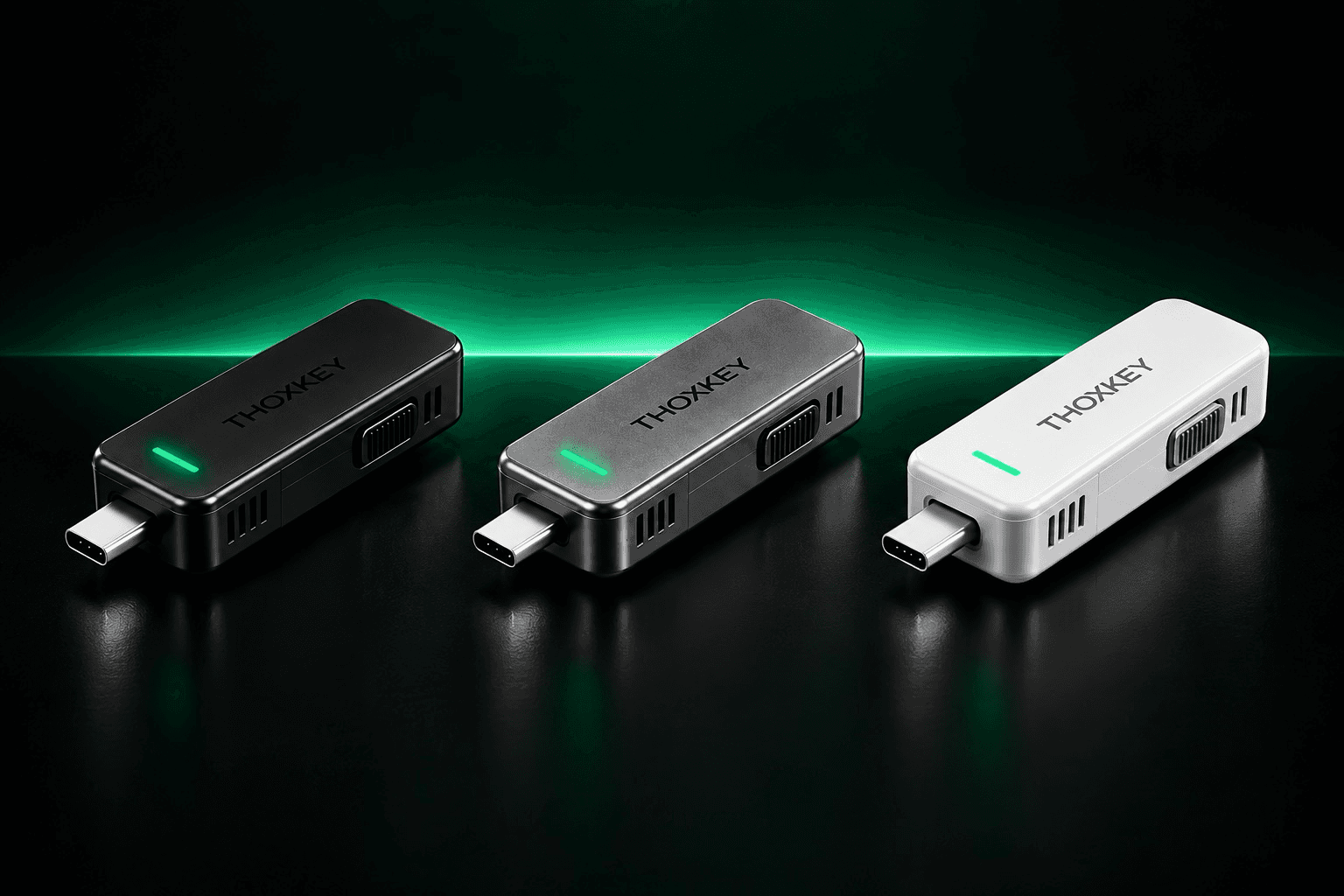
ThoxKey in approved THOX product artwork

Drive-Resident AI Runtime

ThoxKey™

Your Private AI, from One Computer to the Next.

Your Workspace, Ready to Go

Keep your models, settings, and files together in ThoxOS as you move between computers.

Plug in and Get to Work

ThoxBeam runs inside ThoxOS using the processing power of a compatible computer you trust.

Pack Up and Take It with You

Unplug and carry your workspace to your next desk, meeting, or destination.

Explore ThoxKey
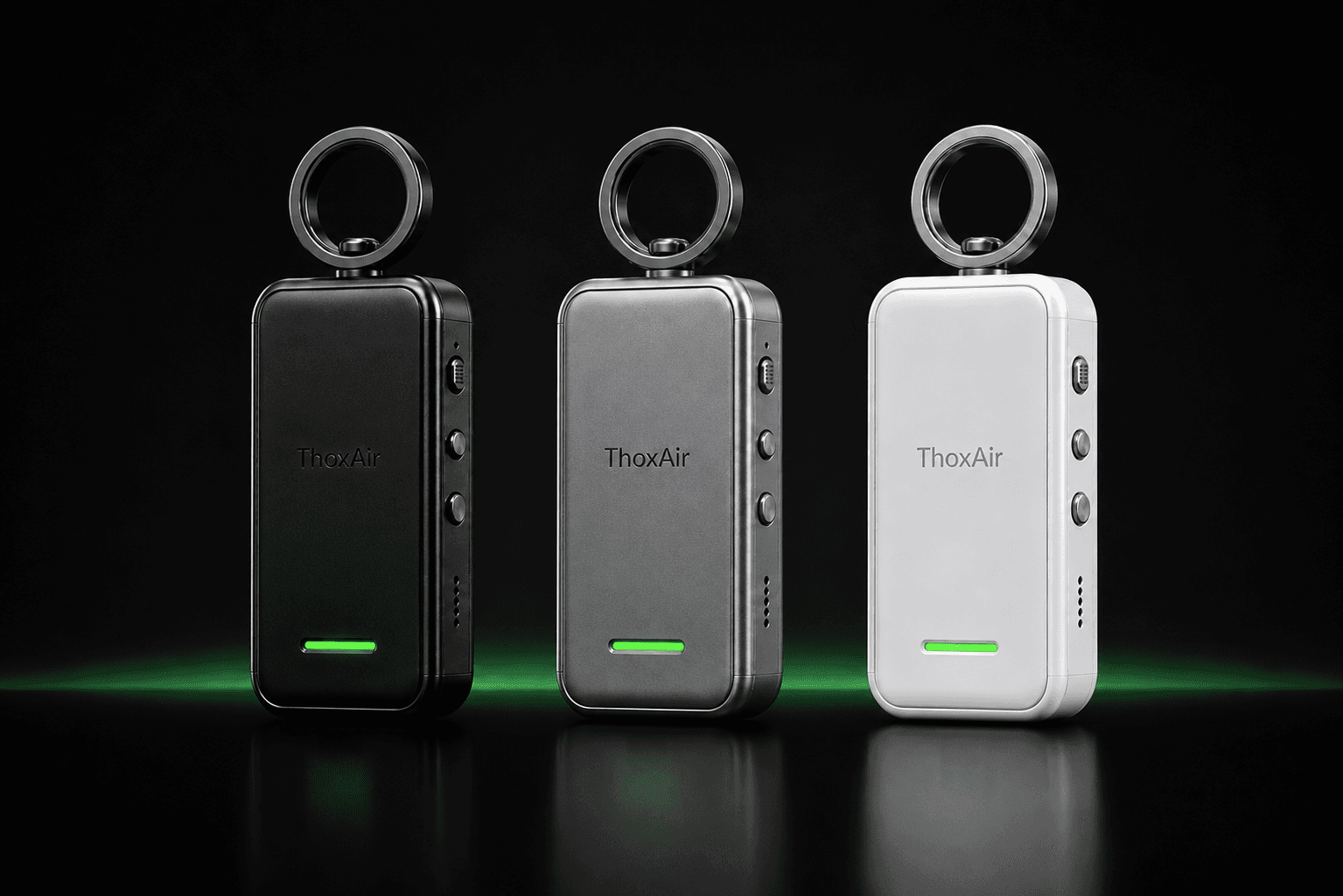
ThoxAir in approved THOX product artwork

Wireless THOX Companion

ThoxAir™

Your THOX Workspace, Wireless and on the Go.

Wireless by Design

A battery-powered AI device with its own compute module for supported local tasks on the go.

Ready to Go with You

Clip it to your keys and carry it as you move between tasks.

Local or Connected

Use supported local functions or mesh resources you choose to connect.

Explore ThoxAir
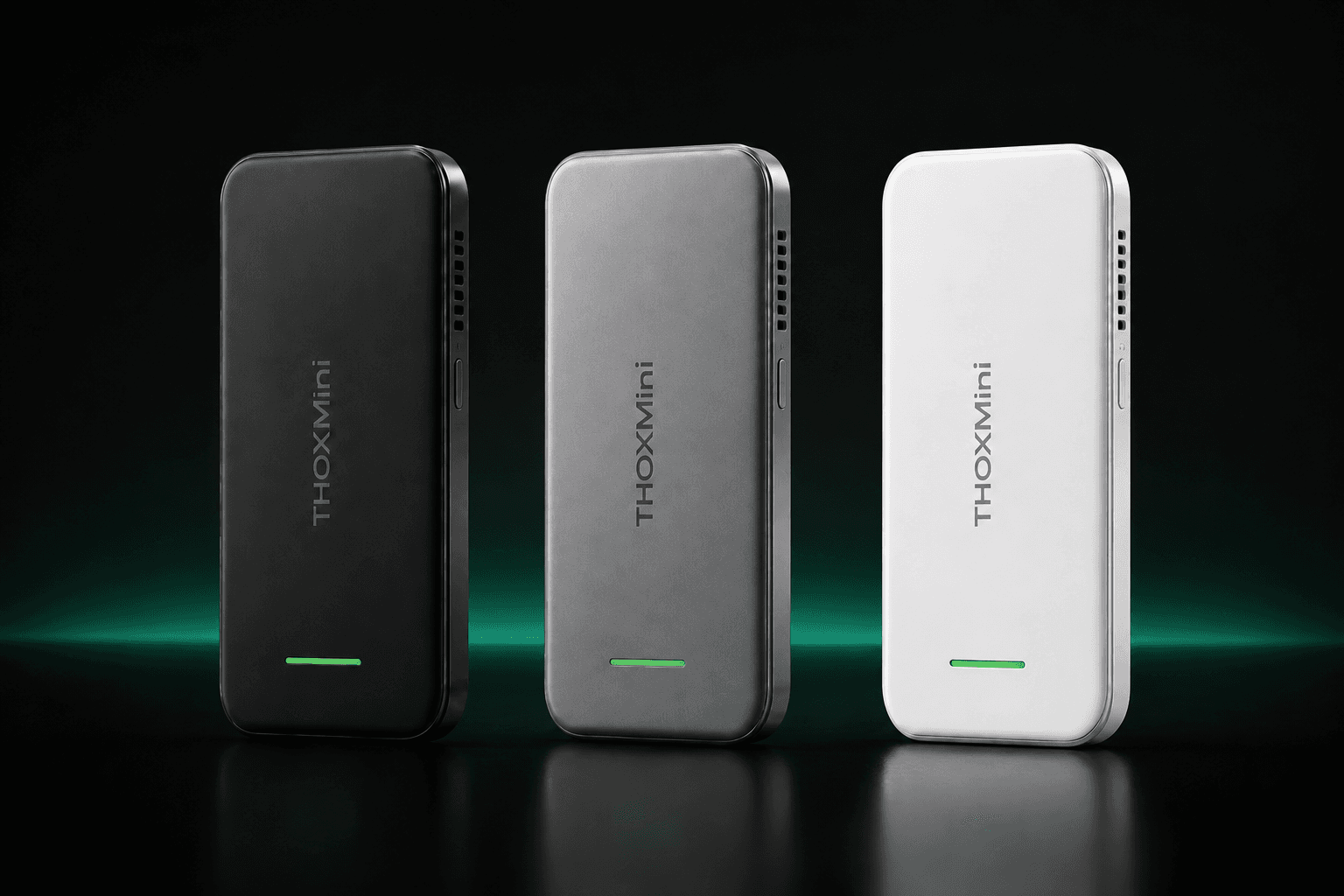
ThoxMini in approved THOX product artwork

Compact THOX Device

ThoxMini™

Local AI That Fits in Your Hand.

AI on Your Hardware

Run supported AI workflows locally on a dedicated THOX device you control.

At Your Desk or on the Move

A compact device for your home setup, daily desk, or wherever your work takes you.

Explore ThoxMini
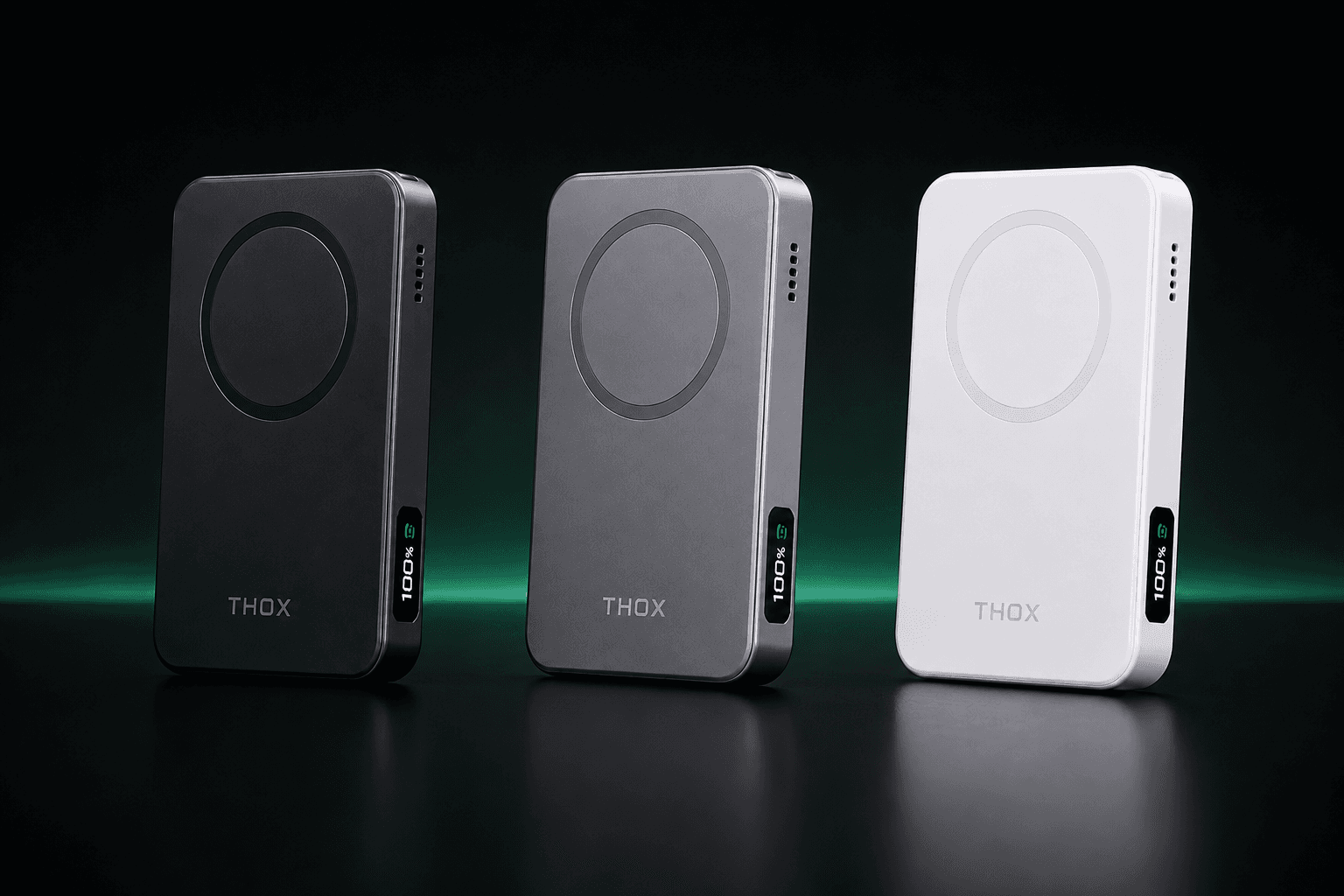
ThoxClip in approved THOX product artwork

Magnetic Wireless Charging THOX Device

ThoxClip™

Charge Your Phone. Carry Your AI.

Snap On and Charge

Attach ThoxClip magnetically to your iPhone or compatible phone for supported wireless charging.

Keep AI Close

Bring onboard AI compute along with the phone you already carry.

Connect on Your Terms

Use compatible mobile workflows and connect only the resources you choose.

Explore ThoxClip

Supported workflows, models, charging, and connectivity vary by device, compatible hardware, client, and release. See each device page for details.

Where the work actually runs

Every workflow above runs in one of these three modes. They are separate paths you choose between, not a stack that silently falls back from one to the next.

Local: a compatible device or host

Choose a qualified local runtime and model to process the task on hardware you control. ThoxKey uses its connected host for execution.

Prepare required assets before going offline. Input support, model fit, and available functions vary by client and release.

Mesh: resources you authorize

Use MeshStack to connect authenticated devices and compute, then select a permitted capability for a supported workflow.

Device enrollment, data access, and action permissions are separate. Discovery alone does not promise distributed inference or a performance gain.

Hosted: an explicit online choice

Try the browser demos and available hosted app previews before choosing hardware. A hosted path uses online infrastructure.

Use sample or non-sensitive inputs. A hosted demo is not evidence of offline execution, and local workflows must not silently switch to cloud processing.

Frequently asked questions

No. These are workflow ideas, not a universal feature checklist. The device, client, model, runtime, and release determine which steps are supported. ThoxAir and ThoxClip are companion devices; a workflow may need a compatible host or an explicitly connected resource.

Bring these workflows to your own work

Explore the full workflow list above, try the hosted demo in your browser, or follow the THOX campaign for the four-device lineup.